 Scrollify
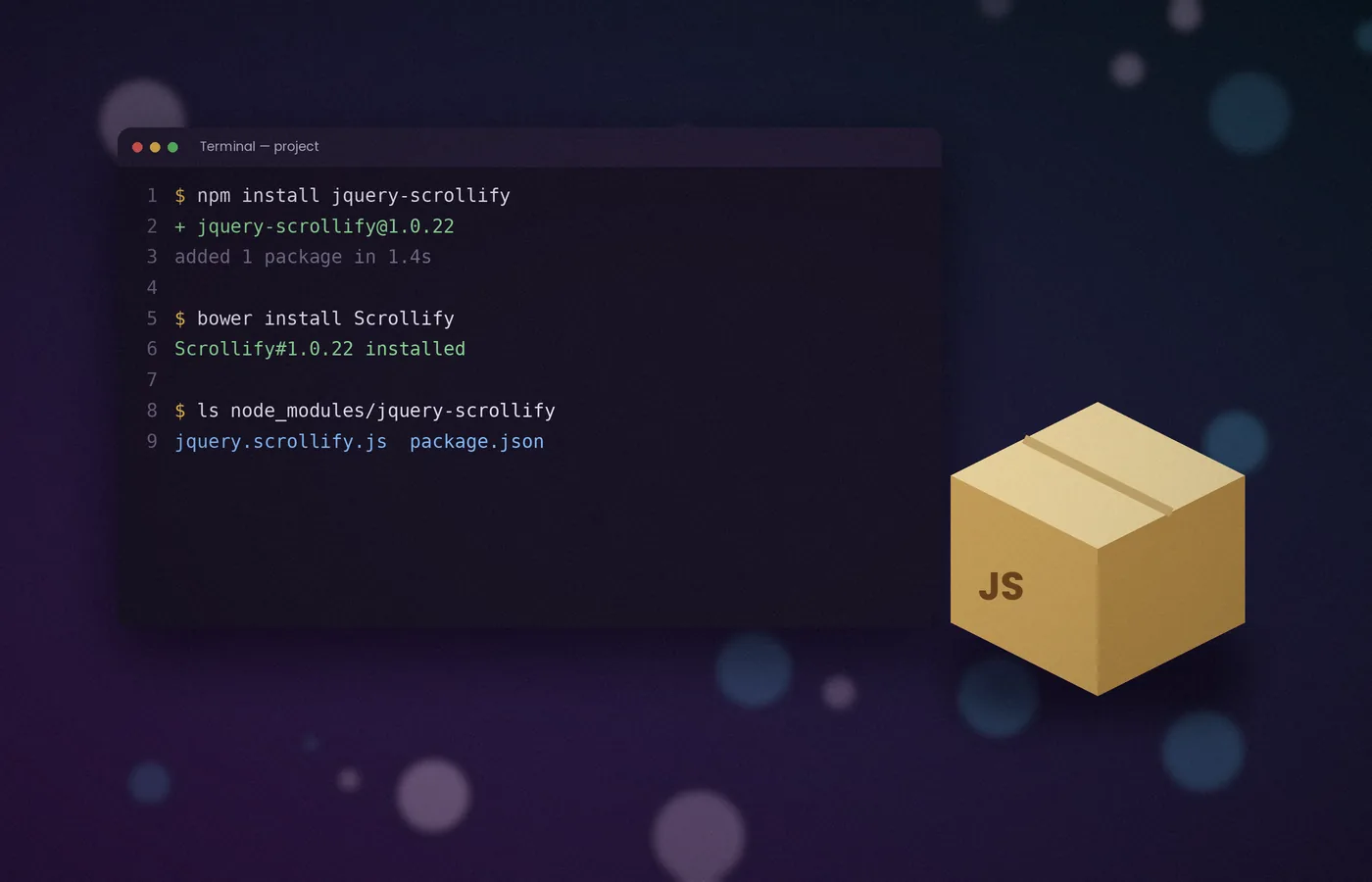
Installation
How to Install Scrollify: npm, Bower and Direct Download
Three reliable ways to add Scrollify to a project, the correct script order, and a quick check that confirms the plugin has loaded.
Read articleScrollify is a lightweight jQuery plugin that turns a long page into full-height panels. Each scroll, swipe or key press glides neatly to the next section, while hash links keep every panel shareable.
Scrollify is an open-source jQuery plugin, written by Luke Haas, that assists scrolling and snaps the page to defined sections. Instead of drifting freely, the page moves one complete panel at a time.
You choose which elements count as sections by passing a CSS selector. The plugin measures them, sets their height to the window and listens for scroll input.
When a visitor scrolls, presses an arrow key or swipes on a phone, Scrollify animates smoothly to the neighbouring panel. This suits product launches, portfolios and storytelling pages.
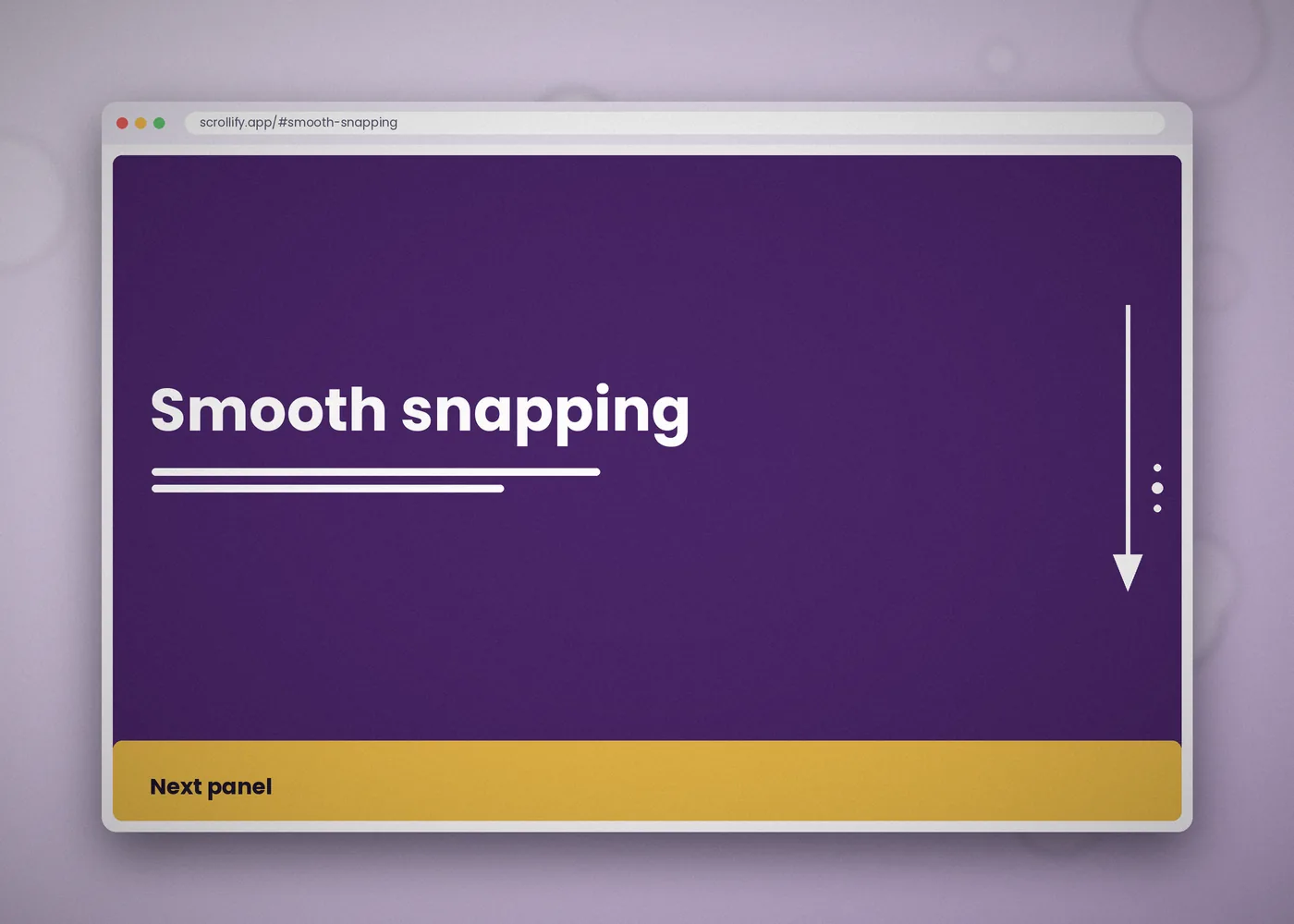
The plugin covers the essentials of section-based scrolling, with enough options and methods to adapt it to most layouts.
Each scroll gesture glides to the next panel and settles precisely at its top edge, so content is never left half in view.
Vertical swipes on phones and tablets move between sections, while tall panels still scroll normally inside.
Section names update the address bar, so every panel has its own URL for bookmarks and menus.
Adjust speed, easing, offset, scrollbars and height handling to suit the design without editing the source.
Run code before and after each transition, on resize and on first render, ideal for entrance animations.
Methods such as move, next, previous and update give complete control from buttons, menus and scripts.
Headers, footers and short content bands keep their natural height while remaining part of the flow.
A single readable script with jQuery as its only dependency, so it adds very little to page weight.
Keyboard support is built in as well. The Up and Page Up keys move to the previous panel, while Down and Page Down move to the next, so visitors who never touch a mouse can still move through the page comfortably.
Setting up Scrollify takes a few minutes. The only requirement is jQuery 1.7 or later, loaded before the plugin.
Download the ZIP from this page, or install the package with npm install jquery-scrollify. Bower users can run bower install Scrollify instead.
Load jQuery first, then jquery.scrollify.js, near the end of the body. Reversing this order is the most common cause of a plugin that does nothing.
Give every full-height block the same class. Add a data-section-name attribute to each one if you want readable, shareable links such as #features.
Call the plugin once the document is ready:
$(function () {
  $.scrollify({ section: ".panel" });
});Scroll with a mouse, a trackpad, the arrow keys and a phone. Each gesture should move exactly one panel, and resizing the window should keep panels full height.
Prefer a CDN? Scrollify is also hosted on cdnjs. Pin an exact version in the URL so that future releases never change behaviour without warning. For bundled projects, import jQuery first, expose it on the window object, and then import the plugin.
Only the section selector is required. The remaining options let you fine-tune motion, layout and behaviour.
| Option | Default | Purpose |
|---|---|---|
section | Required | CSS selector for the panels. |
sectionName | "section-name" | Data attribute holding each panel's hash. |
interstitialSection | "" | Selector for blocks that keep their natural height. |
easing | "easeOutExpo" | Animation curve for each transition. |
scrollSpeed | 1100 | Transition length in milliseconds. |
offset | 0 | Pixel offset applied to every section position. |
scrollbars | true | Shows or hides the browser scrollbar. |
setHeights | true | Sets each panel to the window height. |
updateHash | true | Updates the URL as panels change. |
touchScroll | true | Handles swipe gestures on touch screens. |
Four callbacks, before, after, afterResize and afterRender, run your own code at key moments. The options guide explains each setting in detail.
Any option can be changed after initialisation with $.scrollify.setOptions(). This is useful for slowing transitions on large screens or adjusting the offset when a header changes height.
A sensible starting point for most landing pages is a scroll speed between 800 and 1100 milliseconds, the default easing and a negative offset equal to any fixed header. Change one setting at a time and test after each adjustment, because small differences in speed are surprisingly noticeable on a trackpad.
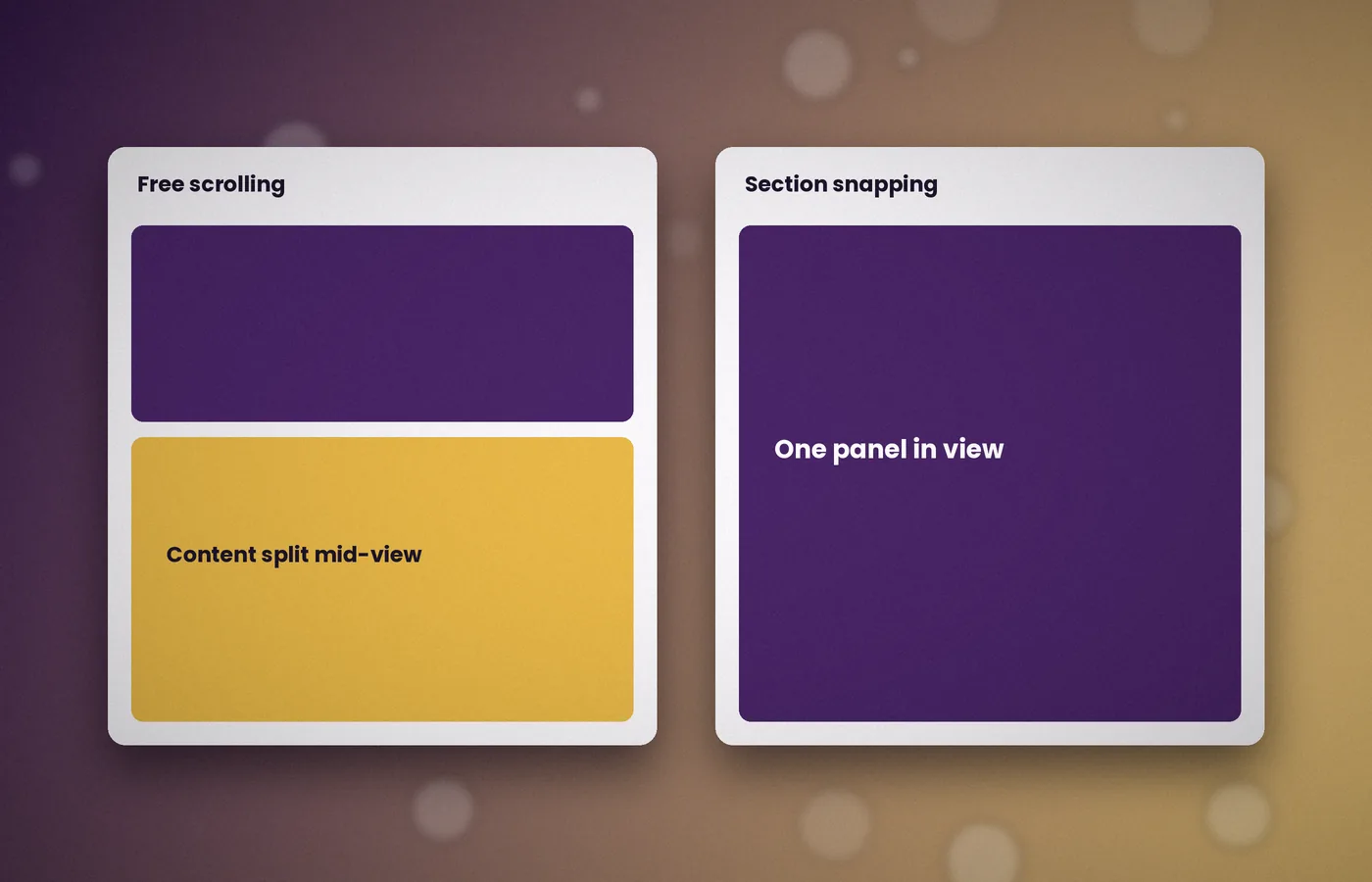
Modern browsers offer CSS scroll snapping through scroll-snap-type. It is ideal for simple carousels and needs no JavaScript.
Scrollify suits pages that need more control: eased transitions, shareable hash links, callbacks and methods such as move and next.
Choose CSS for lightweight snapping; choose Scrollify when transitions, navigation and events matter to the design.
The archive contains the plugin source, the MIT licence and the README.
Extract the ZIP, copy jquery.scrollify.js into your project and load it after jQuery.
Practical articles covering installation, configuration and the issues developers meet most often. Each one focuses on a single task, with code you can copy and adapt.
Three reliable ways to add Scrollify to a project, the correct script order, and a quick check that confirms the plugin has loaded.
Read article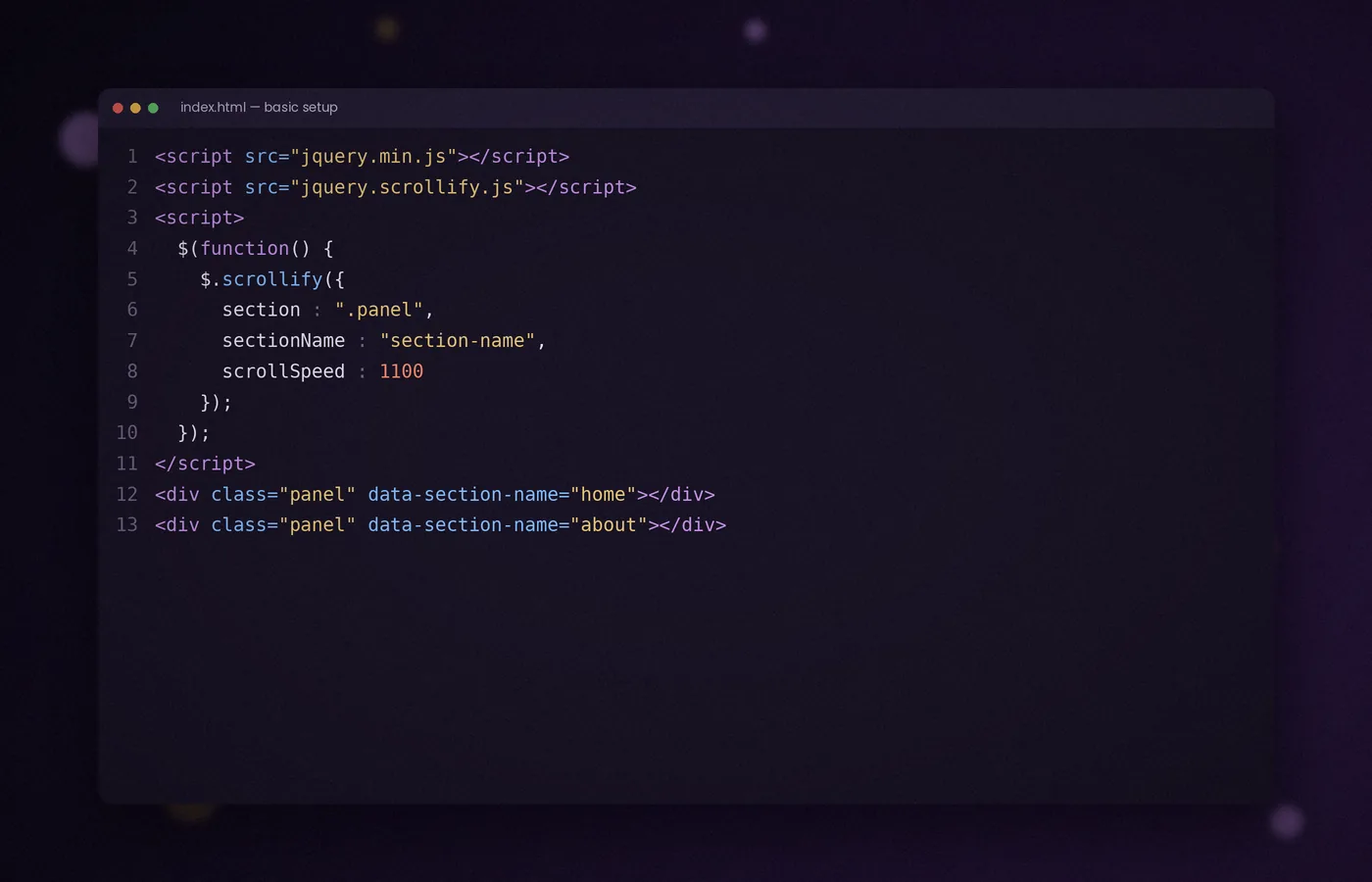
Write the markup, add minimal CSS and initialise the plugin to produce a page that moves one full-height panel at a time.
Read article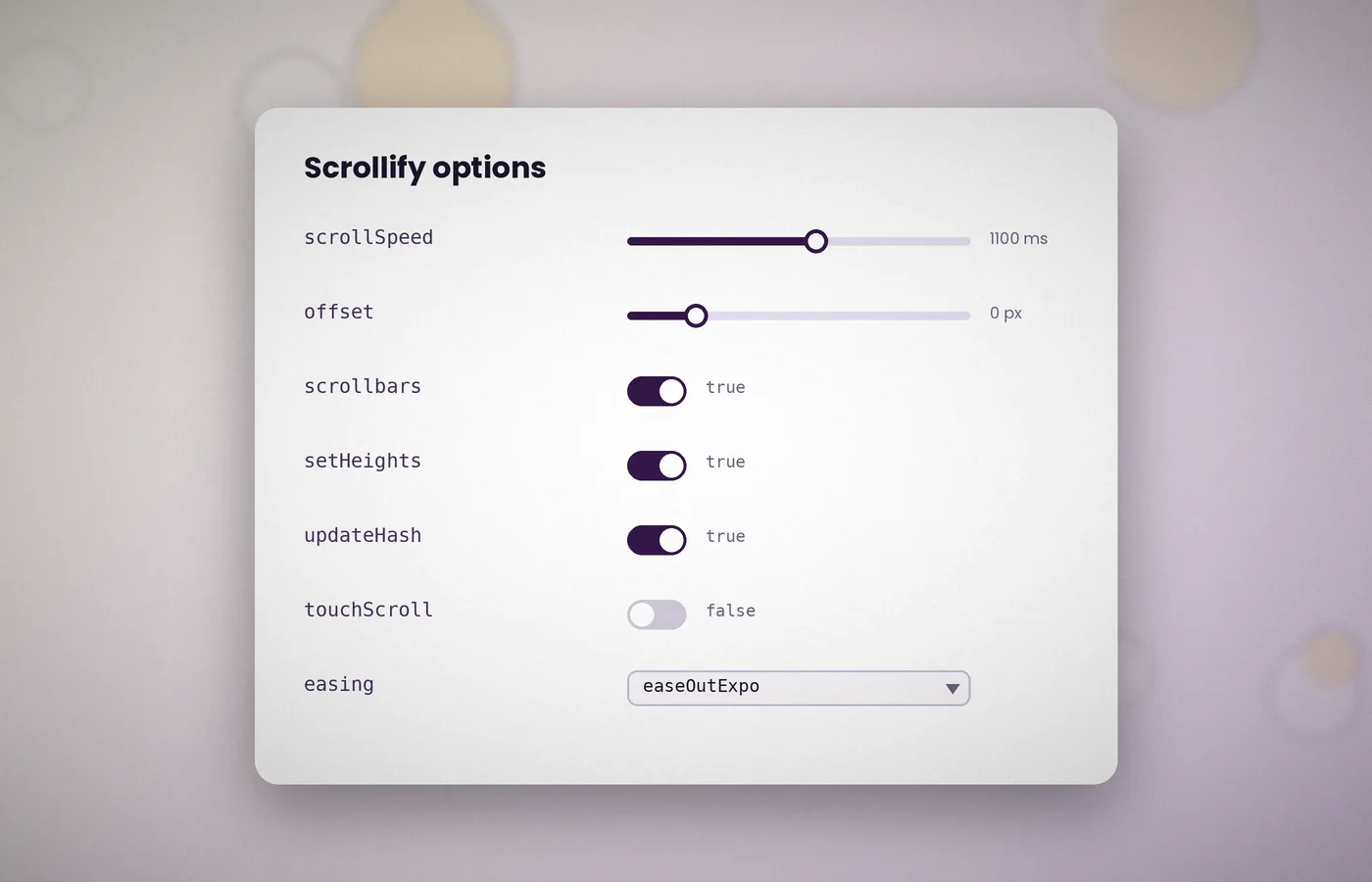
A practical reference to each setting, from scroll speed and easing to offsets, hash updates and touch handling.
Read articleShort answers to the questions most often asked about Scrollify.
Scrollify is a jQuery plugin that snaps a web page to full-height sections as the visitor scrolls. It responds to the mouse wheel, trackpads, the arrow and Page keys, and touch gestures, animating smoothly from one panel to the next.
Yes. Scrollify is released under the MIT licence, which permits use in personal and commercial projects. The only condition is that the copyright and licence notice stay with the source file.
Scrollify requires jQuery 1.7 or later and runs well with the current 3.x releases. Use the full build of jQuery rather than the slim build, because the slim build omits the animation module the plugin relies on.
Yes. The plugin is touch-optimised and responds to vertical swipes. If you prefer native scrolling on small screens, set touchScroll to false or call $.scrollify.disable() below a chosen width.
Yes. Add a data-section-name attribute to each section. Scrollify then updates the address bar as panels change, so a link such as #pricing opens the page at the matching panel.
No. Scrollify sections can be any element, such as a div or an article. The plugin selects them with the CSS selector you provide in the section option.
No. Scrollify supports vertical scrolling only. Horizontal movement inside a panel needs a separate carousel or slider, listed in standardScrollElements so its gestures work normally.
Usually, collapsed content has caused a wrong height calculation. Clear any floated elements, and call $.scrollify.update() after late-loading images or web fonts have finished loading.
Yes. Set a negative offset equal to the header height, for example offset: -72, so the top of each panel is not hidden. Alternatively, add matching top padding to every panel.
Call $.scrollify.destroy(). It removes every event listener and the heights the plugin set, returning the page to normal scrolling without a reload.
Scrollify offers a dependable way to build pages that move one full-height section at a time. It needs only jQuery, a section selector and a single initialisation call.
Its options, callbacks and methods allow precise control when a design calls for it, while sensible defaults keep simple pages simple.
Before committing, consider your content. Scrollify works best when each panel holds one clear idea, a strong image and a short block of text.
For text-heavy pages, standard scrolling may still serve readers better, and the plugin can be disabled on small screens with a single method call.
If your page tells a story screen by screen, Scrollify is well worth trying. Download the files, follow the setup steps and refine the result with the guide.
Get Scrollify